







AI Meeting Notes in 2026: How to Choose a Tool and Protect Your Team
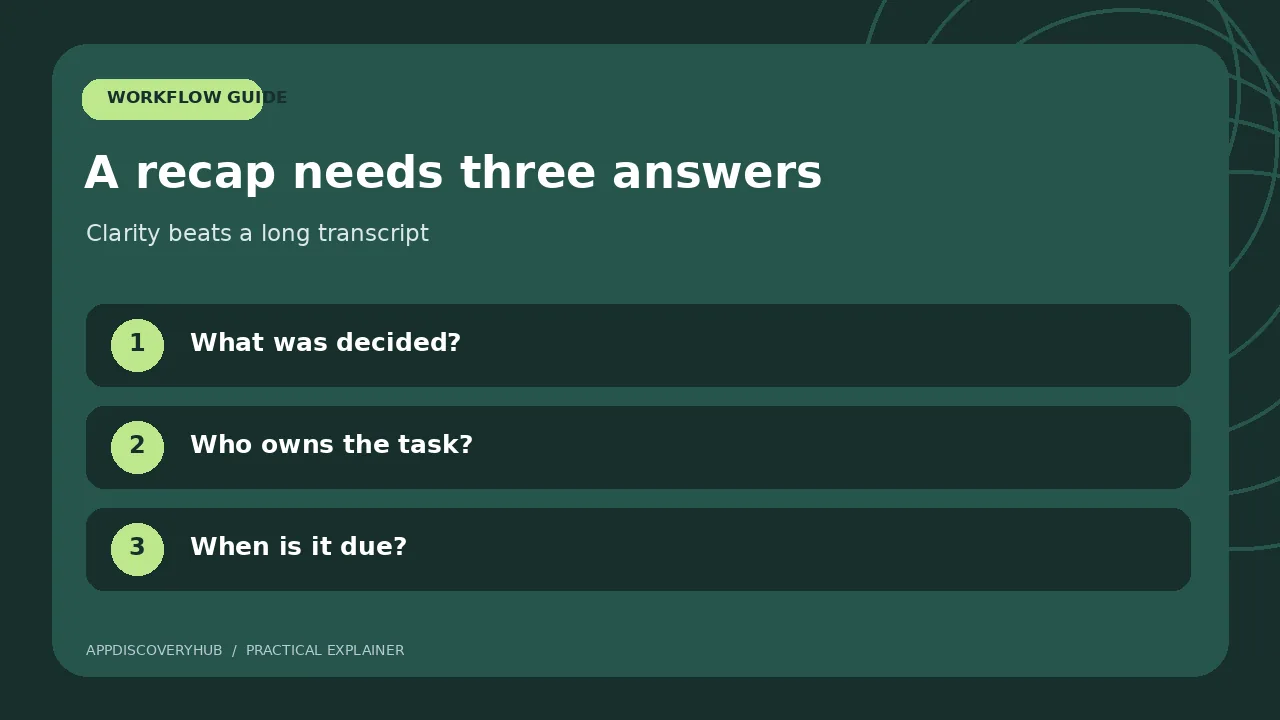
Meeting notes should answer three questions: What did we decide? Who owns the next step? When is it due? AI meeting tools can help turn a long call into a draft recap. But a summary can miss a condition, assign a task to the wrong person, or make a casual idea sound like a final decision. The useful part is the review process that comes after the transcript.
This guide explains how to use Microsoft Teams recap, Zoom AI Companion, and dedicated note tools with care. It focuses on real team workflows, permissions, and accuracy. Features and licenses change often, so confirm the current official documentation and your organization’s rules before enabling a recording or transcript.
Decide what kind of note you actually need
Not every meeting needs a full transcript. A short daily check-in may only need three action items. A project review may need decisions, risks, and owners. A client discovery call may need a structured list of needs and open questions. Choose the output first. Then ask whether AI will save enough work to justify processing the conversation.
A practical recap format is simple: purpose, decisions, actions with owners and dates, open questions, and the next review date. If the meeting was only an update, say so. Do not invent a decision to fill an empty section. Clear notes let people act without replaying an entire call.
Microsoft Teams recap for Teams-based work
What it can contain
Microsoft Teams has meeting recap features that can bring together notes, transcripts, recordings, and related files, depending on settings and license. Microsoft’s official recap guide describes AI-generated notes and follow-up material in supported contexts. Access is not identical for every Microsoft 365 account.
If your team already uses Teams for meetings and files, this can reduce the need to move a recording to another service. But integration does not mean the summary is correct. Assign one person to review the recap and confirm action items with the group. A central tool still needs a human owner.
Check access after the call
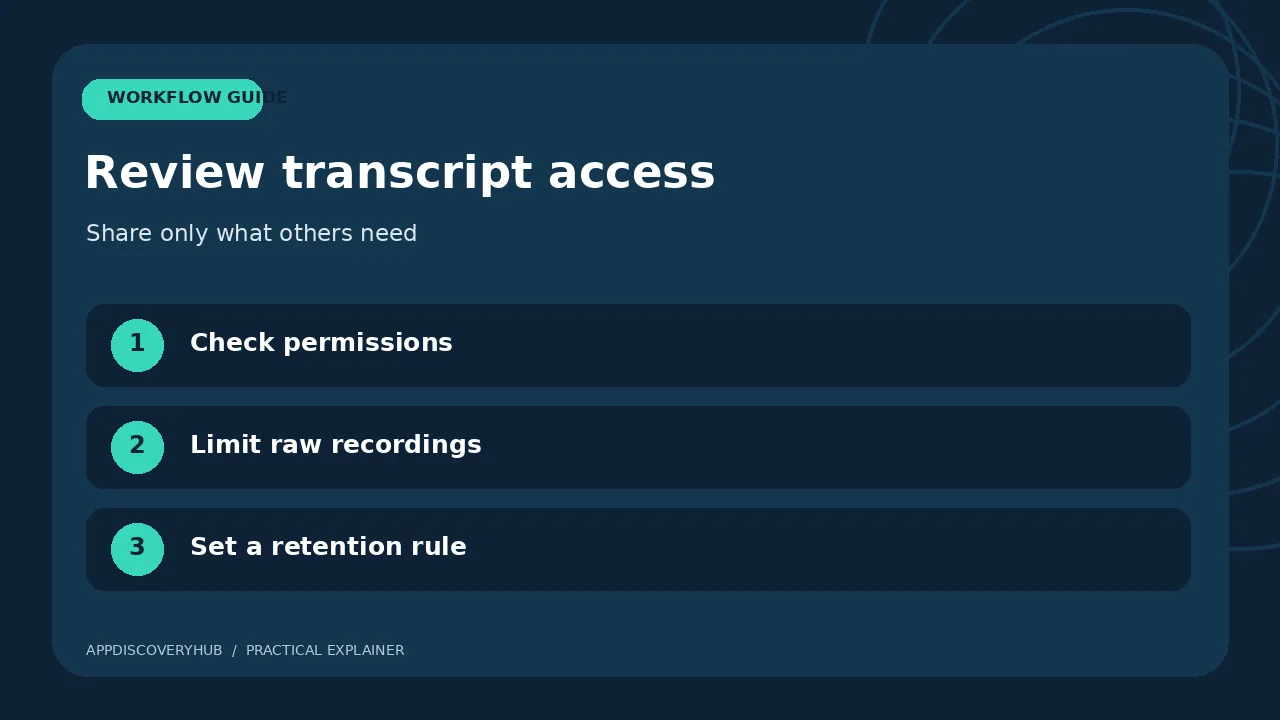
Microsoft also explains how meeting organizers can manage recording and transcript access. Review those settings for sensitive discussions. A transcript may include personal comments, financial details, or a client’s plans. Do not assume every attendee should keep access forever.
For a project meeting, share the final action list with the people who need it. Avoid broad sharing of raw transcripts when the useful result is only a short decision record. Your organization’s retention and privacy rules should guide the choice.
Zoom AI Companion for Zoom meetings
Zoom offers meeting summary features through AI Companion in eligible settings. The official meeting summary guide explains the feature. The host and administrator may control availability and how it operates. Do not assume it is enabled in every meeting or plan.
Imagine a sales team reviewing next month’s campaign. An AI summary could draft the main topics and next steps. The meeting owner should then check the actual decisions: which creative will be tested, who will prepare it, and whether a budget was approved. If the budget was only discussed, the final notes must not call it approved.
Set expectations before the meeting
Tell participants when AI processing or recording is planned, explain the purpose, and follow applicable consent and workplace rules. If a person objects or a client agreement restricts it, use a manual note process. Meeting convenience is not a reason to ignore privacy or legal requirements.
A short opening statement can help: “We plan to create a summary so we can track the actions. Please tell us if there are concerns before we begin.” This is a communication example, not a replacement for formal consent where required.
Dedicated AI note apps: when do they help?
Tools such as Otter and Fireflies focus on transcription and meeting notes. They can appeal to teams that use several meeting platforms and want one process for summaries. But connecting a third-party service may introduce new permissions, storage, and vendor review tasks.
Before adding one, ask who can invite the app into a meeting, what data it collects, where files are stored, how long they remain, and how deletion works. Check export options. If your team already has a trusted recap process, another tool may make the workflow more complex without improving the outcome.
Accuracy: a transcript is not the whole truth
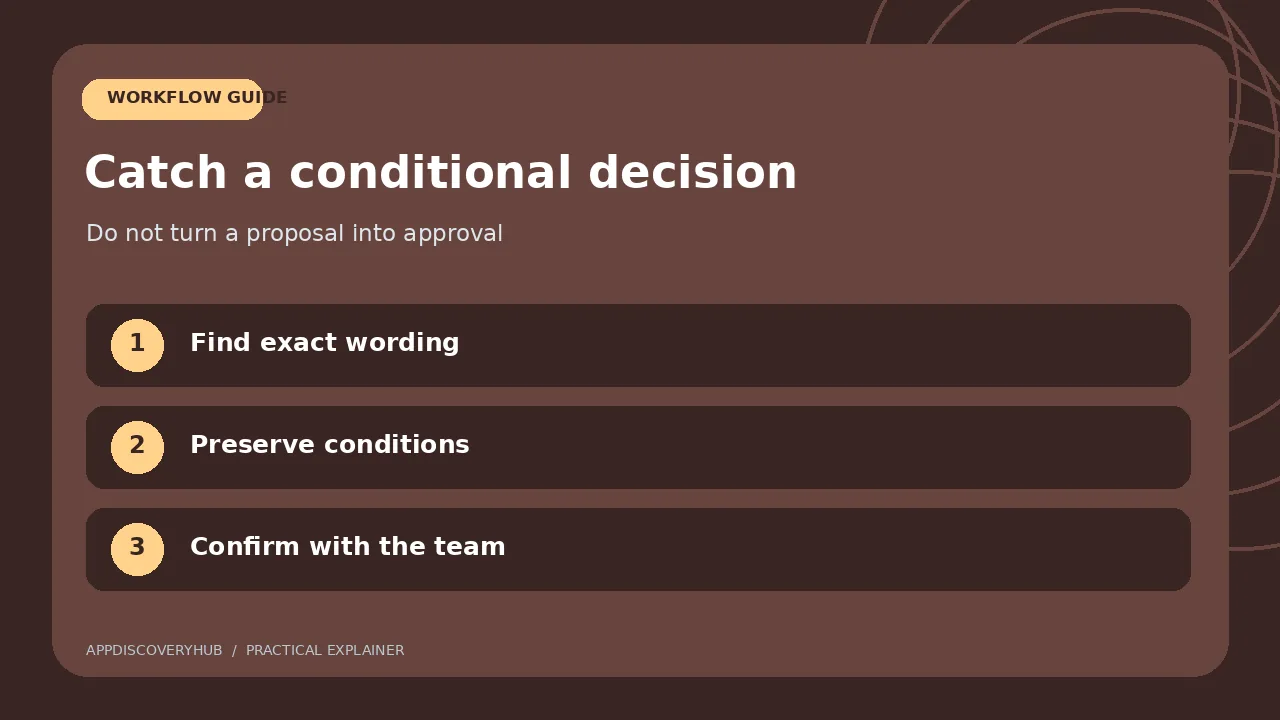
Speech recognition can confuse names, product terms, accents, and overlapping voices. Summaries may also omit caveats. A manager might say, “We can ship on Friday if the test passes.” A poor recap might say, “Ship on Friday.” That missing condition can create a costly misunderstanding.
Read every decision line before sharing. Compare it with the relevant part of the transcript or manual notes. If the wording is unclear, ask the people involved. Do not let the AI decide whether a proposal became an approval. That is a human judgment about the meeting’s meaning.
Use a two-stage review
First, check factual details. Confirm names, dates, numbers, and project labels. Second, check action ownership. Every action should begin with a clear verb and name an owner. “Website updates” is not enough. “Alex will send the revised homepage copy by Tuesday” is useful if Alex actually accepted that task.
When an owner is unknown, write “Owner to confirm” rather than guessing. When a date is missing, do not invent a deadline. Mark it as open and ask. A short note with honest gaps is safer than a polished document with false certainty.
A meeting recap template that works
Use the same small structure for recurring meetings. Put the date and subject first. Write one sentence on the meeting goal. Then record confirmed decisions and actions. Keep a separate section for questions that need a later answer. This distinction helps readers avoid treating an unresolved idea as a firm plan.
- Decision: what the group approved, with any conditions.
- Action: clear task, named owner, and agreed due date.
- Open issue: what remains unknown and who will find out.
- Next checkpoint: when the group will review progress.
Do not fill every field just to make the recap look complete. If no formal decision was made, write “No decision recorded.” That sentence may save confusion a week later.
A realistic example: website launch meeting
Four coworkers discuss a site redesign. The designer says the new homepage is ready for review. The developer says the contact form still needs testing. The manager says the team may launch next Thursday if the tests pass. A good recap keeps these points separate. The homepage is ready for review, the form test is pending, and the launch date is conditional.
An AI draft may compress all of that into “Launch next Thursday.” The reviewer must fix it. The final action list might assign the contact-form test to the developer and a homepage review to the manager. Once owners confirm, the recap becomes a practical plan.
Privacy checklist for meeting owners
Ask whether you need to process the full discussion. Some meetings include personal employee matters or confidential deals that are not suitable for a third-party assistant. Use your company’s approved tools and rules. Restrict who can access recordings, transcripts, and summaries. Learn how to delete material when it is no longer needed.
Do not send a raw transcript to a public AI chat without permission. If you only need help formatting notes, remove sensitive names and details. Use neutral placeholders. Your final summary should follow the access rules of the original meeting, not become a wider public document.
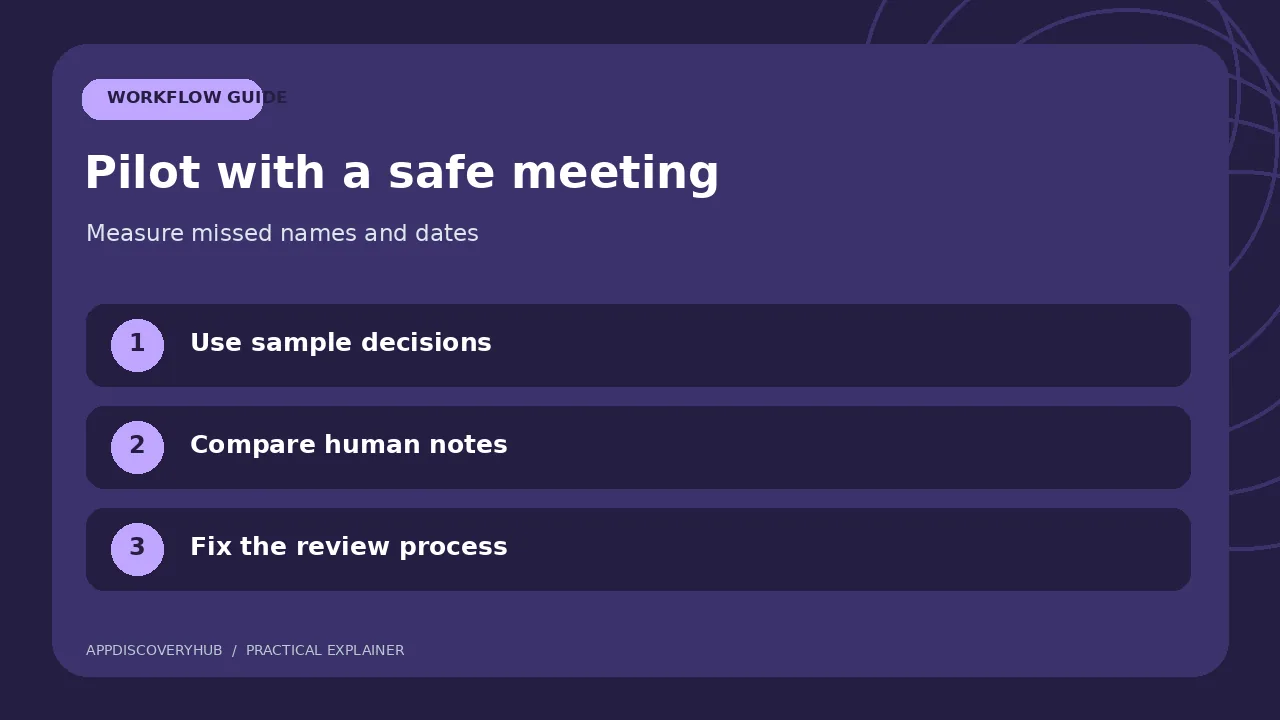
How to test a tool before team rollout
Start with a short, non-sensitive practice meeting. Include three clear decisions, one conditional decision, and several names. Generate the notes. Compare them with a human record. Count missing owners, incorrect dates, and lost conditions. Ask whether the tool saves more review time than it adds.
Next, test permissions. Who can open the recap? Who can edit it? Can you export it? Can you delete it? Only then try it on an ordinary work meeting. A short pilot gives your team a chance to fix the process without risking a major client discussion.
Cost and workflow fit
Some AI meeting capabilities are tied to paid licenses or admin settings. Read the official plan terms for the tools your organization already uses. Avoid buying a second recap product before testing the one you have. Count the time needed to verify and distribute notes, not just the time saved during the call.
For a small team that meets twice a week, a human note taker with a simple template may be enough. For a group with many long meetings, a well-managed AI recap could help. The right choice depends on volume, privacy, and the quality of the final action list.
Frequently asked questions
Are AI meeting summaries always accurate?
No. They can miss context, names, or conditions. Check every decision and action before sending notes. Ask participants to confirm unclear points.
Does Microsoft Teams offer AI recap?
Yes, in supported account and license settings. Microsoft documents the feature and related access controls. Confirm availability with your administrator.
Can I use an AI note tool without telling attendees?
Do not assume you can. Consent, notice, and data handling rules depend on location and context. Follow applicable law and your organization’s policy, and inform participants as appropriate.
What should a good recap include?
It should make decisions, owners, due dates, and open questions clear. A short accurate action list is often more useful than a long transcript.
Final advice
Choose a meeting note tool only after you know what the team needs to do with the notes. Use AI to make a draft, then verify decisions and ownership. Keep access narrow and get consent where required. The goal is not a perfect-looking summary; it is fewer lost decisions and clearer next steps.
Editorial note: Product claims are based on official vendor help pages reviewed in October 2026. This article does not claim private access to vendor systems or first-hand accuracy benchmarks.