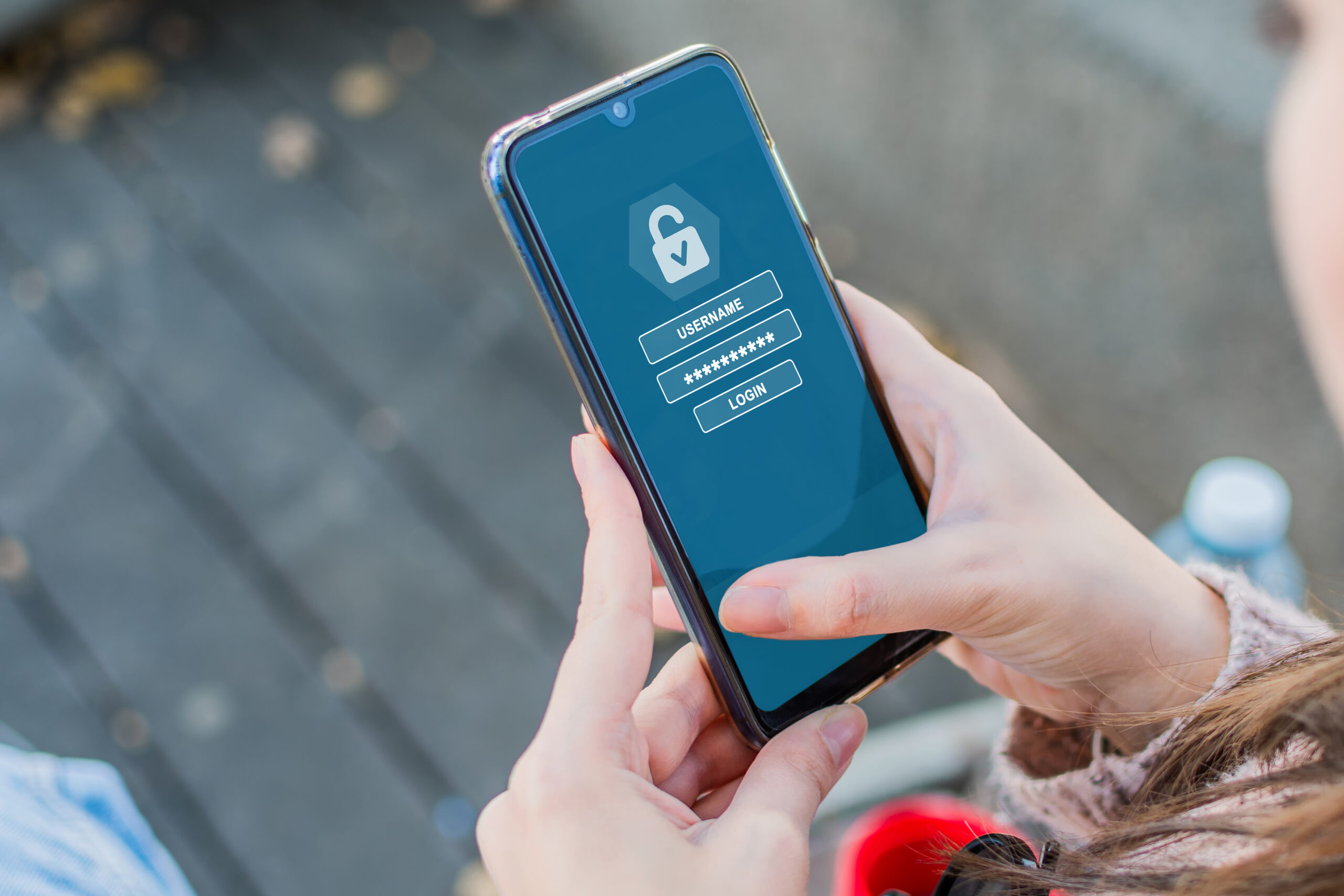
Additional security level eliminates the majority of security issues.
In today’s world, people use passwords to protect themselves from security breaches. However, passwords are no longer sufficient. With the ever-growing number of cybersecurity attacks, there is an increased threat to compromise user accounts.
With two-factor authentication apps, users get an additional security measure. If someone manages to get access to the password, then it would be impossible to log in without completing the secondary authentication process.
Why two-factor authentication is crucial.
Many security threats are caused by weak or stolen passwords. With 2FA applications, people receive an additional layer of security against breaches.
Main benefits of using such tools include:
- Additional security measures
- Account protection against breaches
- Security of personal accounts
- Increased safety
They are extremely easy to use.
Additional safety eliminates critical vulnerabilities.
A single security measure prevents users from encountering numerous security issues in the future. It means that a simple act of enabling two-factor authentication can save a lot of problems for the users in the future.
Best two-factor authentication apps available.
1. Google Authenticator is a great app for verifying identities.
With Google Authenticator, users get a code which needs to be entered during the login process.
Official Website: https://www.google.com
Here are some functions of the tool:
- Generate additional login codes
- Authenticate several accounts at once
- Perform offline authentication
It is very popular due to its simplicity.
2. Microsoft Authenticator is useful for secure logins.
Microsoft Authenticator is another tool which helps users authenticate accounts through the login process.
Official Website: https://www.microsoft.com
It is possible to:
- Approve logins
- Use biometric identification
- Protect various accounts
It is suitable for personal and work accounts.
3. Authy provides advanced backup options.
Authy application offers users many ways to authenticate and perform backups.
Official Website: https://authy.com
Main functions include:
- Syncing multiple devices
- Backing up authentication info
- Managing multiple accounts
This is the best choice for users who seek maximum flexibility and convenience.
4. Duo Mobile provides robust authentication services.
It is the application designed for advanced users who want to use 2FA for business purposes. Duo Mobile is widely used by individuals as well.
Official Website: https://duo.com
Features include:
- Enhanced login processes
- Push notifications
- Protects multiple services
It is one of the reliable solutions for businesses.
How two-factor authentication increases security.
2FA requires a double verification process which makes it extremely hard to penetrate an account.
For example:
- First factor is a password
- The second is a generated code.
Therefore, even if one factor is breached, the second one will protect users’ accounts.
How to make the best use of 2FA.
In order to increase security levels, users need to remember about:
- Enabling 2FA on all critical accounts
- Storing backup codes
- Using only trusted applications for logging in
- Do not share any verification codes.
Following these tips, it is possible to increase safety.
Mistakes which people make while working with 2FA.
Many people do not use two-factor authentication or do not use them correctly.
It is necessary to avoid:
- Disabling 2FA on the accounts
- Misplacing codes
- Using untrusted software
- Ignoring warnings and messages
Users should pay attention to this issue.
When should users enable two-factor authentication?
2FA should be used for:
- Email accounts
- Banking applications
- Social media platforms
- Accounts for work
Thus, security will be ensured.
Future perspective of authentication applications.
Today, there are continuous improvements in the field of authenticating apps.
Future trends may include:
- Implementing biometric identification
- Introducing passwordless logins
- Enhancing security systems via AI
- Accelerating the authentication process
All these changes are expected.
Conclusions
Authentication applications offer users a convenient tool to protect their information. Thus, by using additional security measures, people can ensure their account’s safety.