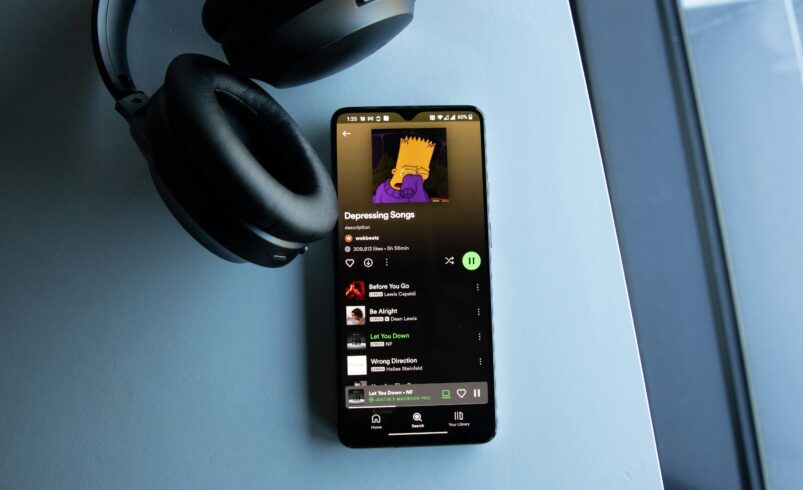
It has never been easier to listen to music nowadays. One does not need to spend time downloading songs anymore since one can easily stream music straight from the application.
Spotify has emerged as one of the most famous applications to stream music. In addition to having millions of songs at its disposal, one can also personalize their playlists.
“Music feels better when it is easy to access anytime.”
This article will give an insight into the way of utilizing the Spotify platform for beginners.
What is Spotify? Why should I use it?
It is a popular music streaming platform that enables users to listen to songs, albums, and podcasts online. In this application, one can find music from various genres and artists.
Website: https://open.spotify.com/
There are several advantages of Spotify, including convenience and variety.
How to Create a Spotify Account
First, visit the website and sign up for an account. One can either sign up using email or via another platform. After logging in, the user will be directed to the homepage with recommended songs and albums.
How to Search for Songs
Spotify provides a simple interface to search for the desired music track. In order to do that, one can use the search function to find any artist, album, or specific song. In addition, one can also browse according to moods or genres.
How to Play Songs and Albums
One can simply press the play button to listen to the song. One can also listen to complete albums rather than individual tracks. Spotify will recommend songs depending on the listening patterns.
How to Create Your Own Playlist
One of the coolest features of Spotify is its ability to allow users to make playlists. Users can create playlists and customize their favorite music songs. This feature allows users to personalize their music according to their moods.
How to Follow Artists and Playlists
In order to stay up to date with updates, one can follow certain artists. In addition, following playlists will help users find popular songs.
How to Download Music for Listening Off-Line
This feature allows users to listen to music when they do not have internet connection. In addition, once the music is downloaded, users can easily listen to songs offline whenever needed.
Recommendations and Discovering New Music Tracks
This feature offers personalized suggestions for users. Depending on the user’s music preferences, the application will recommend songs and playlists. It enables users to listen to new music without searching for it themselves.
Tips for a Great User Experience
Creating a playlist for all moods. Listening to songs from various genres to enhance their musical preference. Using headphones to improve the sound quality. Adding new songs to playlists regularly to ensure they remain updated.
Common Errors that Should Be Avoided
Some users only listen to certain songs frequently. Therefore, it is advisable to explore new music for an enjoyable experience. Some people tend to mismanage their playlists.
Conclusion
In conclusion, Spotify is a music streaming application that makes the process of enjoying music convenient. In addition, Spotify provides opportunities to discover and customize playlists. The most important advantage of this application is accessibility. One can listen to music at any time and place. Once accustomed to Spotify, it becomes a regular part of daily life.