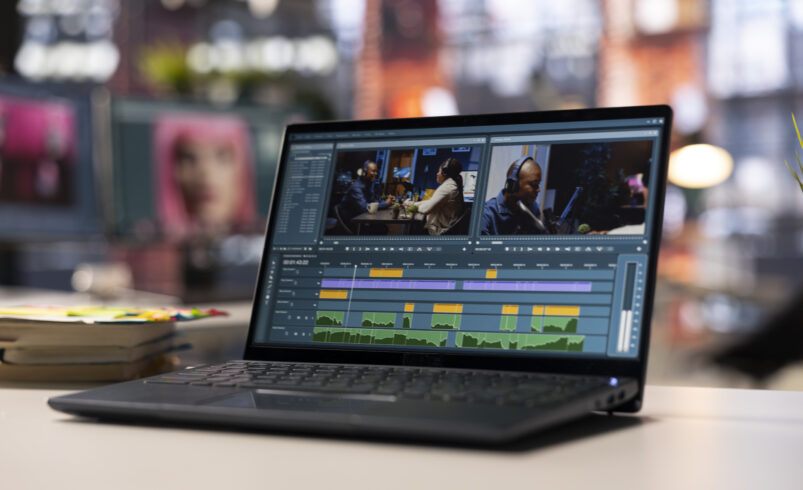
Nowadays, video content is a great way to communicate information and establish an online presence. Whether you want to create content for social media or do business, professional videos attract more attention.
While many mobile applications can be useful in the process of video editing, specialized software provides users with more opportunities and possibilities.
Advantages of video editing software
Due to the increased popularity of content creation among individuals, the demand for professional software for this process has been growing steadily. In comparison to basic editing tools, advanced software solutions have a number of advantages.
Using professional video editing software, users are able to edit and organize their footage, add transitions and various effects, work with audio tracks, etc. These capabilities contribute significantly to content creation.
Creativity becomes real due to appropriate technologies
When combining creativity and technological capabilities of appropriate software, users can create great pieces of content. Such ideas illustrate the importance of proper choice of tools for achieving goals.
Recommended software solutions for video editing
Here are some recommendations for users who are planning to edit videos.
1. Adobe Premiere Pro – for professional editing
Professional users opt for Adobe Premiere Pro to create amazing videos.
Official website: https://www.adobe.com/products/premiere.html
Using this software, users can:
- Make edits with precision
- Apply advanced effects to videos
- Work with high-resolution footage
It is recommended for professional users.
2. Final Cut Pro – for fast and efficient editing
Fast and efficient editing is provided with Final Cut Pro application.
Official website: https://www.apple.com/final-cut-pro/
With its help, users can:
- Quickly edit videos
- Take advantage of various editing tool
- Ensure a smooth workflow
Ideal for Apple device owners.
3. DaVinci Resolve – for editing and color grading
DaVinci Resolve combines editing capabilities with color grading.
Official website: https://www.blackmagicdesign.com
Thanks to this software, users can:
- Make edits
- Perform professional color adjustments
- Create cinematic videos
Suitable for advanced users.
4. Filmora – for easy and creative editing
Filmora allows users to easily edit their videos and use various effects.
Official website: https://filmora.wondershare.com
Users will be able to:
- Easily edit videos
- Add various effects and transitions
- Create interesting and engaging videos
It is recommended for beginners.
What changes can be applied to the videos with software?
Using the software, users can improve their videos by adjusting audio and visual elements, adding effects and transitions, applying filters, etc.
Examples of changes that can be made to videos using software:
- Adding smooth transitions between clips
- Applying various effects to videos
- Editing the sound and making it clearer
All of these elements improve the video.
Recommendations for efficient editing
To create quality videos, users should pay attention to the following aspects:
- Keep edits clear and simple
- Focus on storytelling rather than excessive editing
- Apply effects with restraint
- Ensure good quality of videos
Efficient editing results in high-quality videos.
Mistakes that can decrease the quality of videos
Many beginners make mistakes which negatively influence videos.
Avoid the following mistakes:
- Using excessive amounts of effects
- Forgetting about good audio quality
- Making videos too long
- Poor organization of footage
Properly balanced editing yields better results.
Creating an efficient workflow
To achieve results, users should always be consistent.
Ways to remain consistent:
- Plan content
- Practice editing
- Discover new functions
- Progress gradually
Improvements can be expected as a result.
Future prospects for editing tools
Software solutions continue to evolve due to advancements in technologies.
Futuristic capabilities of editing software might include:
- AI-based editing
- Automated video creation
- Quick rendering
- Various new effects
Advanced tools will make editing easier.
Conclusion
To conclude, using video editing software can help users create engaging videos. With proper editing techniques, videos can become impressive.