







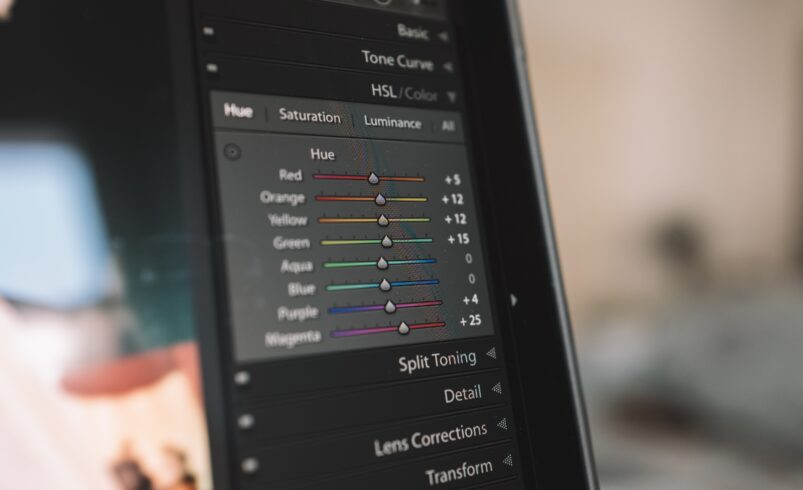
Great photos start with the right editing tools
Capturing a good photo is only the first step. Editing plays a major role in enhancing images and making them visually appealing. Mobile apps have made photo editing simple and accessible for everyone.
From basic adjustments to advanced effects, editing apps allow users to transform ordinary photos into impressive visuals.
Why photo editing apps are widely used
With the growth of social media, people want their photos to look better and more professional.
These apps help users:
- Improve image quality
- Add creative effects
- Adjust lighting and colors
- Create visually attractive content
Even beginners can achieve great results with the right app.
Creativity grows with the right tools
“Creativity is not about having tools, it is about using them differently”
Photo editing apps give users the ability to express creativity and bring their ideas to life through images.
Best photo editing apps to try
1. Snapseed for professional editing
Snapseed offers powerful editing tools with a simple interface, making it suitable for both beginners and advanced users.
Official Website: https://snapseed.online
It allows you to:
- Adjust brightness and contrast
- Apply filters
- Edit details precisely
2. Adobe Lightroom for advanced editing
Lightroom is widely used for professional level photo editing and color correction.
Official Website: https://www.adobe.com/products/photoshop-lightroom.html
You can:
- Edit RAW images
- Use presets
- Enhance colors professionally
3. Canva for quick and creative designs
Canva is perfect for creating social media posts and editing images with ready made templates.
Official Website: https://www.canva.com
It helps you:
- Add text and elements
- Use templates
- Design graphics easily
4. PicsArt for creative effects
PicsArt offers a wide range of tools for creative editing, including stickers and artistic effects.
Official Website: https://picsart.com
You can:
- Add unique effects
- Create artistic edits
- Customize images
How editing apps improve your photos
Editing apps enhance photos by adjusting lighting, colors, and details. This makes images more appealing and professional.
For example:
- Brightness adjustments improve visibility
- Filters enhance mood
- Cropping improves composition
These small changes can create a big impact.
Tips for better photo editing
To get the best results, keep editing simple and balanced.
- Avoid over editing
- Focus on natural colors
- Use filters carefully
- Maintain image quality
Good editing enhances photos without making them look artificial.
Common mistakes in photo editing
Many users overuse features, which reduces image quality.
Avoid:
- Excessive filters
- Over sharpening
- Too much brightness
- Ignoring composition
Simple edits often produce better results.
Final conclusion
Photo editing apps make it easy to create stunning visuals directly from your smartphone. With the right tools and techniques, anyone can improve their photos and express creativity.
Consistent practice and smart editing choices can help you achieve professional looking results.