






Safe browsing starts with a secure connection
Every time you connect to the internet, your data travels through networks that may not always be secure. Whether you are using public WiFi or even your home network, your online activity can be tracked or intercepted without proper protection.
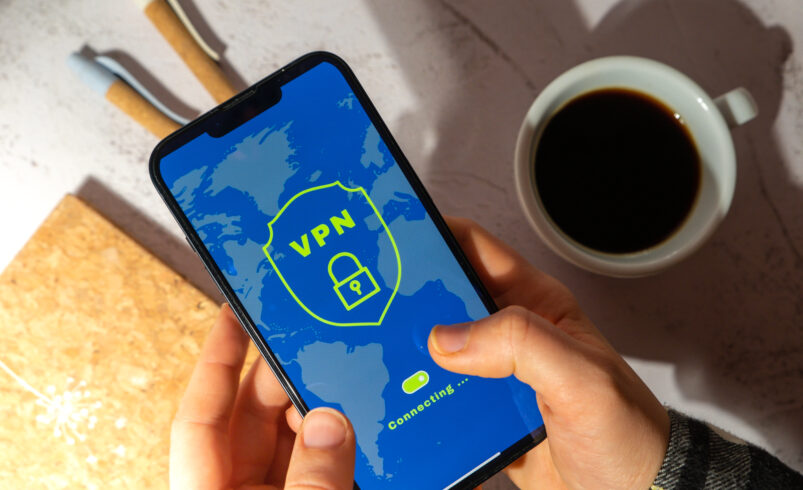
VPN apps provide a simple solution by encrypting your internet connection. They create a secure pathway for your data, ensuring that your online activity remains private and protected.
Why VPN apps are important today
With increasing online activity, privacy concerns are becoming more serious. Users are more aware of how their data can be tracked and misused.
VPN apps help users:
- Hide their IP address
- Secure internet connections
- Protect browsing activity
- Access restricted content
These features make VPN apps essential for modern internet usage.
Privacy online requires proactive protection
“Your data is valuable, and protecting it should always be a priority”
This idea emphasizes the importance of securing your online presence. VPN apps help ensure that your information remains private.
Best VPN apps for secure browsing
1. NordVPN for strong encryption and speed
NordVPN is widely known for its strong security features and fast performance.
Official Website: https://nordvpn.com
It allows you to:
- Encrypt internet traffic
- Access global servers
- Maintain privacy
It is ideal for users who want reliable protection.
2. ExpressVPN for high speed secure connection
ExpressVPN offers fast and secure browsing with servers in multiple locations.
Official Website: https://www.expressvpn.com
You can:
- Browse securely
- Protect your data
- Access global content
It is known for speed and reliability.
3. Proton VPN for privacy focused browsing
Proton VPN focuses on privacy and security with strong encryption features.
Official Website: https://protonvpn.com
It helps you:
- Protect your identity
- Browse safely
- Avoid tracking
It is suitable for privacy conscious users.
4. Surfshark for affordable secure access
Surfshark provides secure browsing with unlimited device support.
Official Website: https://surfshark.com
You can:
- Protect multiple devices
- Hide your IP address
- Secure your connection
It offers good value for users.
How VPN apps protect your data
VPN apps encrypt your internet traffic, making it unreadable to anyone trying to access it. This ensures that your data remains secure even on public networks.
For example:
- Encryption protects sensitive information
- IP masking hides your identity
- Secure connections prevent data interception
These features provide strong online protection.
Tips for using VPN apps effectively
To get the best results:
- Use VPN on public networks
- Choose trusted providers
- Enable automatic connection
- Keep the app updated
These steps improve security.
Common mistakes users make
Many users install VPN apps but do not use them properly.
Avoid:
- Using free unreliable VPNs
- Turning off VPN frequently
- Ignoring security settings
- Not updating apps
Proper usage ensures better protection.
When should you use a VPN
VPN apps are useful in many situations:
- While using public WiFi
- Accessing sensitive information
- Protecting personal data
- Browsing privately
Using VPN regularly improves safety.
The future of VPN apps
VPN technology is evolving to provide better speed and security.
Future trends may include:
- Faster encryption methods
- Improved privacy features
- Better integration with devices
- More user friendly interfaces
These advancements will enhance online protection.
Final conclusion
VPN apps are essential tools for protecting your online activity and maintaining privacy. With increasing digital risks, using a reliable VPN is one of the best ways to stay secure.
Taking simple steps today can ensure safer browsing and better data protection.