







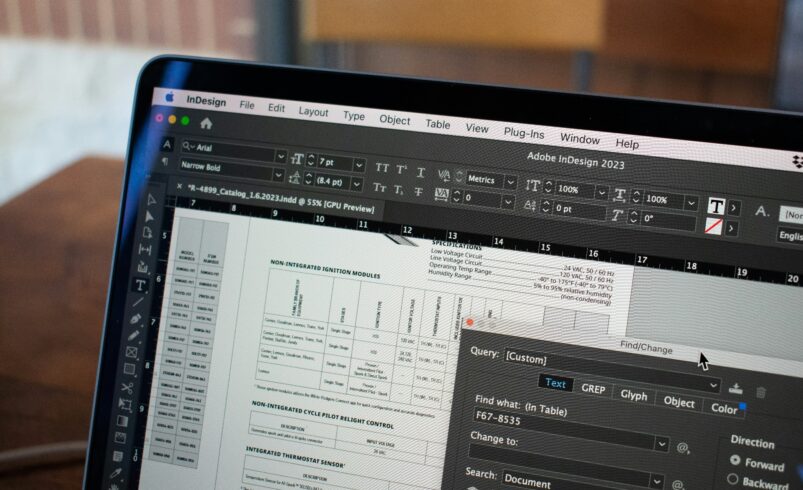
Managing documents becomes easier with the right tools
PDF files are widely used for sharing documents because they maintain formatting across devices. However, editing or modifying PDF files can be difficult without proper tools. Many users struggle when they need to update content, add signatures, or make changes.
PDF editor software solves this problem by providing tools that allow users to edit, manage, and organize documents efficiently. These tools make working with PDF files simple and flexible.
Why PDF editor software is important
PDF files are commonly used in business, education, and personal tasks. Without editing tools, making changes to these files can be time consuming.
PDF editor software helps users:
- Edit text and images
- Add signatures
- Merge and split files
- Manage documents efficiently
These features improve productivity.
Efficient document handling saves time
“Managing documents effectively can make daily tasks much easier”
This idea highlights the importance of using tools that simplify document management. PDF editors provide that convenience.
Best PDF editor software to use
1. Adobe Acrobat for professional PDF editing
Adobe Acrobat is one of the most powerful tools for creating and editing PDF files.
Official Website: https://www.adobe.com
It allows you to:
- Edit PDF content
- Add signatures
- Convert files
It is ideal for professional use.
2. Foxit PDF Editor for fast performance
Foxit provides fast and efficient tools for editing and managing PDF documents.
Official Website: https://www.foxit.com
You can:
- Edit text and images
- Annotate documents
- Manage files easily
It is suitable for everyday use.
3. Nitro PDF for business document management
Nitro PDF offers tools designed for business level document handling.
Official Website: https://www.gonitro.com
It helps you:
- Edit documents
- Convert files
- Improve workflow
It is ideal for business users.
4. PDF-XChange Editor for lightweight editing
PDF-XChange Editor provides a lightweight solution for editing and annotating PDF files.
Official Website: https://www.tracker-software.com
You can:
- Edit PDFs easily
- Add notes and comments
- Improve document handling
It is useful for basic needs.
How PDF editor software improves workflow
PDF editors allow users to modify documents without converting them into other formats. This saves time and maintains document quality.
For example:
- Editing tools allow quick updates
- Annotation features improve collaboration
- Conversion tools increase flexibility
These features improve efficiency.
Tips for better document management
To improve your workflow:
- Keep documents organized
- Use proper file naming
- Review files before sharing
- Use secure signatures
These steps improve productivity.
Common mistakes to avoid
Many users face issues while handling PDF files.
Avoid:
- Using unreliable tools
- Not saving updated versions
- Ignoring file security
- Keeping unorganized documents
Better practices improve results.
Building an efficient document system
PDF editor software helps create a system that supports smooth document handling.
To improve:
- Organize files properly
- Use reliable tools
- Maintain backups
- Keep documents updated
This ensures better management.
The future of PDF editing software
PDF tools are evolving with smarter features and automation.
Future trends may include:
- AI based document editing
- Automated form filling
- Improved collaboration
- Better security features
These advancements will improve usability.
Final conclusion
PDF editor software is essential for managing and editing documents efficiently. With the right tools, users can handle files easily and improve their workflow.
A structured approach to document management saves time and increases productivity.