Losing your smartphone can be stressful and risky
Smartphones are not just devices anymore, they carry personal memories, sensitive data, and important information. Losing a phone is not only inconvenient but can also lead to serious privacy and security risks.
This is where anti theft apps become extremely useful. These apps help you track your phone, lock it remotely, and even recover it in case it gets lost or stolen. With the right tools, you can reduce the risk and protect your data effectively.
Why anti theft apps are essential today
As smartphones become more valuable, the risk of theft or loss increases. Many users do not realize how vulnerable their devices are until it is too late.
Anti theft apps help users:
- Track the location of their device
- Lock the phone remotely
- Erase data if necessary
- Trigger alarms to locate the device
These features provide peace of mind and better control.
Preparation can prevent major loss
“Being prepared today can save you from stress tomorrow”
This idea highlights the importance of installing anti theft apps before any problem occurs. Prevention is always better than recovery.
Best anti theft apps to protect your phone
1. Find My Device by Google for tracking Android phones
Find My Device is a reliable tool that helps users locate, lock, and erase their Android devices remotely.
Official Website: https://www.google.com/android/find
It allows you to:
- Track your phone location
- Lock your device remotely
- Erase data if needed
It is simple and effective for Android users.
2. Prey Anti Theft for advanced tracking features
Prey offers powerful tracking tools and detailed reports to help recover lost devices.
Official Website: https://preyproject.com
You can:
- Track multiple devices
- Get detailed location reports
- Capture device activity
It is ideal for users who want advanced features.
3. Cerberus for complete device control
Cerberus provides strong anti theft protection with remote control features.
Official Website: https://www.cerberusapp.com
It helps you:
- Track device location
- Lock and control your phone
- Capture photos of intruders
It is useful for advanced security needs.
4. Lookout Security for theft and security protection
Lookout combines security features with theft protection for better safety.
Official Website: https://www.lookout.com
You can:
- Track lost devices
- Secure personal data
- Get alerts about threats
It is a well balanced security app.
How anti theft apps protect your device
Anti theft apps work by connecting your device to a secure account that allows remote access. If your phone is lost, you can control it through another device.
For example:
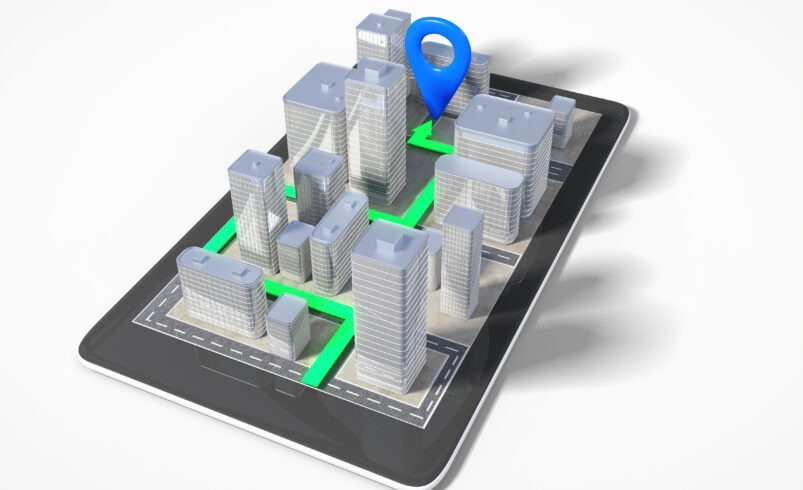
- GPS tracking shows device location
- Remote lock prevents unauthorized access
- Data wipe protects sensitive information
These features ensure that your data remains safe.
Tips to improve device safety
To get the best protection:
- Enable location services
- Keep your app connected to your account
- Set up remote access features
- Use strong passwords
These steps improve effectiveness.
Common mistakes users make
Many users install anti theft apps but do not configure them properly.
Avoid:
- Not enabling tracking features
- Ignoring account setup
- Turning off location services
- Not testing the app
Proper setup is important for success.
What to do if your phone is lost
If your phone is lost or stolen:
- Use tracking apps immediately
- Lock your device remotely
- Inform authorities if needed
- Change important passwords
Quick action can reduce damage.
The future of anti theft apps
Anti theft apps are becoming more advanced with better tracking and automation.
Future trends may include:
- AI based tracking
- Faster recovery systems
- Improved remote control features
- Better integration with devices
These improvements will enhance device protection.
Final conclusion
Anti theft apps are essential tools for protecting your smartphone and personal data. Losing a device does not have to mean losing your information if you are prepared.
Using these apps along with proper precautions can help you stay secure and recover your device when needed.